
Business technology resource
When a Consumer Wi-Fi Router Is No Longer Enough for Your Business
A consumer router may be reasonable for a simple office, but the decision should change as more people, devices, sensitive information, and business-critical work depend on the network.
A consumer router is not automatically irresponsible
The wireless router bought online or at a retailer such as Best Buy is not automatically a poor decision. Consumer equipment offers low cost, quick setup, a familiar interface, and several functions in one device. For a solo operator in a small space with light demand, a current and properly configured model may be reasonable.
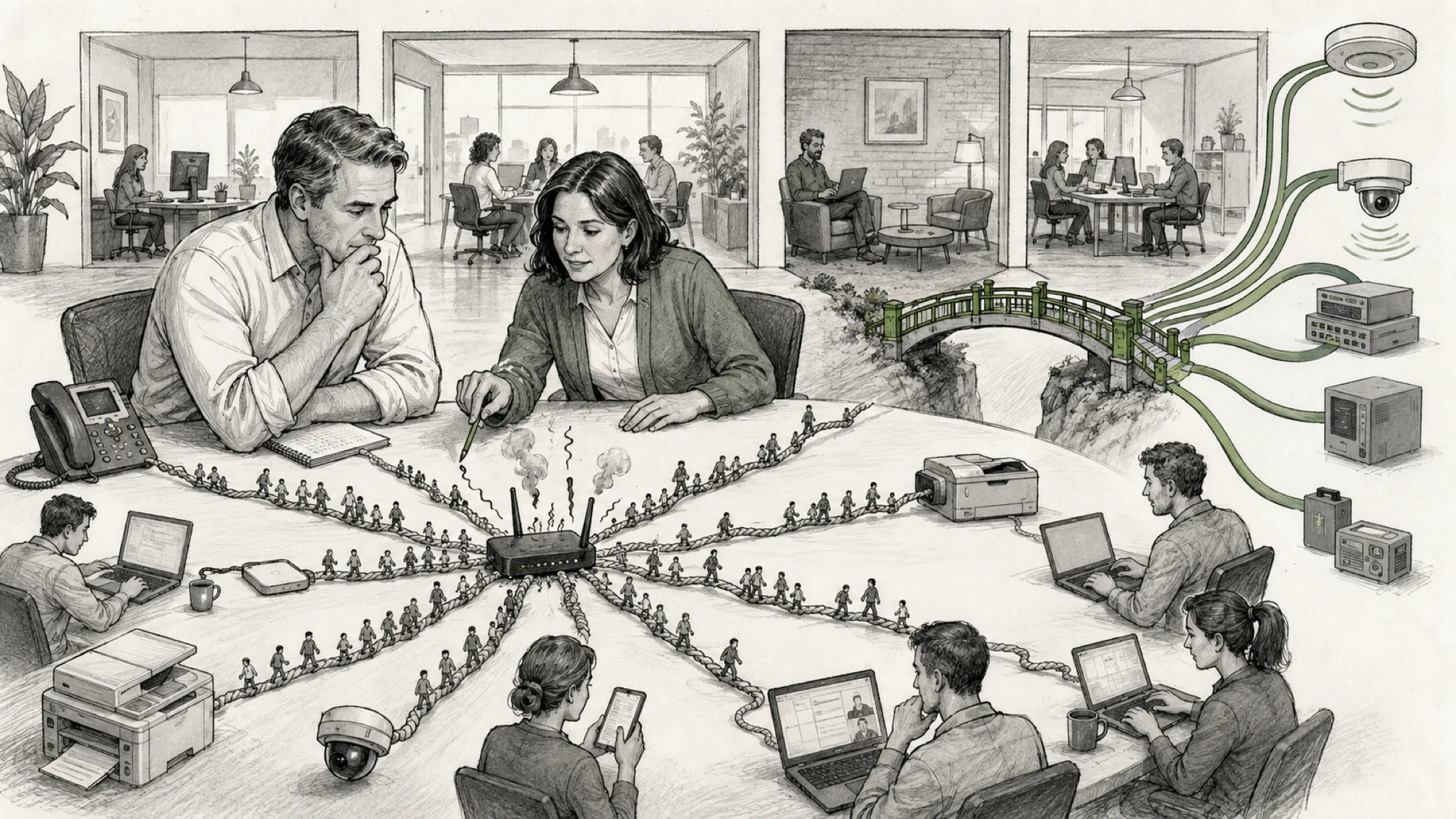
What people call a router commonly combines an internet gateway, firewall, Ethernet switch, and wireless access point. That convenience is also the tradeoff: coverage, security policy, wired connectivity, and internet access may depend on one appliance and one failure point.
More staff changes what the network must support
Each employee may add a computer, phone, cloud applications, videoconferencing, and printing. Guests, cameras, displays, building devices, and personal phones add demand beyond the employee count. High advertised wireless speed does not establish even coverage, concurrent capacity, or reliable roaming across a larger office.
The business question is whether calls remain stable, cloud work stays responsive, devices connect where work happens, and a provider can diagnose recurring problems. When one device serves the entire office, a hardware or configuration failure can interrupt every connected activity.
Security is more than having a Wi-Fi password
A secure wireless environment also depends on supported firmware, visible updates, protected administrative accounts, appropriate remote-management settings, configuration backups, useful logs, alerts, and review ownership. A business should know which devices are connected and who can change the network—not merely who knows the Wi-Fi password.
Employees, guests, payment systems, cameras, printers, and other devices should not automatically share the same access. The Federal Trade Commission recommends keeping guest Wi-Fi separate from the business network. Some consumer products offer useful protections, but business-oriented systems generally provide more consistent segmentation, centralized policy, monitoring, and lifecycle control.
- Is the equipment still receiving security updates, and can someone confirm when they are applied?
- Are administrative access and remote management limited, protected, and documented?
- Can staff, guests, cameras, printers, and other devices be separated according to business need?
- Will anyone receive and act on an alert when the network or an important device has a problem?
The same weakness can carry different consequences
Identical equipment does not inherently make a law firm easier to attack than another business. The difference may be what is exposed when a weakness is exploited or the network fails. A firm may depend on Wi-Fi for confidential client information, privileged communications, financial activity, filing deadlines, attorneys, staff, guests, printers, and practice systems.
South Carolina Rule of Professional Conduct 1.6 requires reasonable efforts to prevent unauthorized access to or disclosure of information relating to a representation. Relevant factors include information sensitivity, likelihood, cost, and implementation difficulty. No router model determines compliance, but network design and ownership remain relevant business decisions.
A pet store or another retail business still has meaningful exposure through payment systems, employee and customer information, cameras, vendor access, and operational downtime. Its risk profile is different, not absent. The right investment should reflect both the likelihood of a problem and the operational, financial, confidentiality, and recovery consequences for that organization.
What professional equipment can improve
A professionally designed network can place multiple access points where coverage requires them, coordinate configuration and roaming, and use managed switches with power over Ethernet. It can separate staff, guests, connected devices, cameras, and administration while providing centralized visibility, alerts, configuration management, and clearer provider access.
Where an interruption would materially affect the business, the design can also evaluate redundant internet connectivity or WAN failover. These capabilities do not eliminate risk. They make the environment more observable, supportable, and adaptable when they are properly selected and operated.
Professional equipment still requires professional operation
Poorly configured business equipment can be less safe than a current, well-maintained consumer router. Price, a newer Wi-Fi generation, or an “enterprise-grade” label does not prove that segmentation, monitoring, updates, documentation, and recovery have been handled responsibly.
An evidence-based review may recommend keeping the existing router, improving placement or configuration, adding managed access points, or redesigning the network. Before buying another router, determine what the network must protect, support, and recover from.
Decide from business evidence, not the product label
Use the current operating condition to decide whether the router still fits or whether a broader infrastructure assessment is warranted.
| Decision factor | Consumer router may still fit | Assessment is warranted |
|---|---|---|
| Staff and devices | Few users and light, predictable demand | Growing staff, many concurrent devices, voice, video, or cloud-dependent work |
| Information and obligations | Limited sensitive information and low operational consequence | Confidential, regulated, financial, or business-critical information and services |
| Guests and connected devices | No guest or connected-device need, or effective isolation is confirmed | Staff, guests, cameras, printers, payment systems, or IoT require distinct access |
| Coverage and continuity | One device provides verified coverage and an outage is tolerable | Dead zones, recurring instability, multiple work areas, or material downtime consequences |
| Operations and growth | Updates, access, documentation, and support ownership are current and clear | Monitoring is limited, ownership is unclear, or growth will change the network’s demands |
Related next steps
Related articles
Continue exploring this topic
Sources and further reading
- FTC — Cybersecurity for Small Business
- South Carolina Judicial Branch — Rule 1.6: Confidentiality of Information
- NIST — Recommended Cybersecurity Requirements for Consumer-Grade Router Products
This resource provides general business-technology guidance. Engagement scope, evidence, and recommendations depend on the organization’s actual condition.